

Room Scheduling
Make meeting rooms easy to find, book, and use
Nothing wastes time like turning up to a room that’s already occupied, booked “but empty,” or impossible to reserve quickly. A good room scheduling system removes the friction: rooms show real-time availability, bookings are simple, and the space is actually used the way it’s intended.
We design and install commercial room scheduling solutions that integrate with your workplace calendar tools, provide clear room status at the door, and support a consistent user experience across your meeting spaces.
What is Room Scheduling?
Room scheduling typically combines:
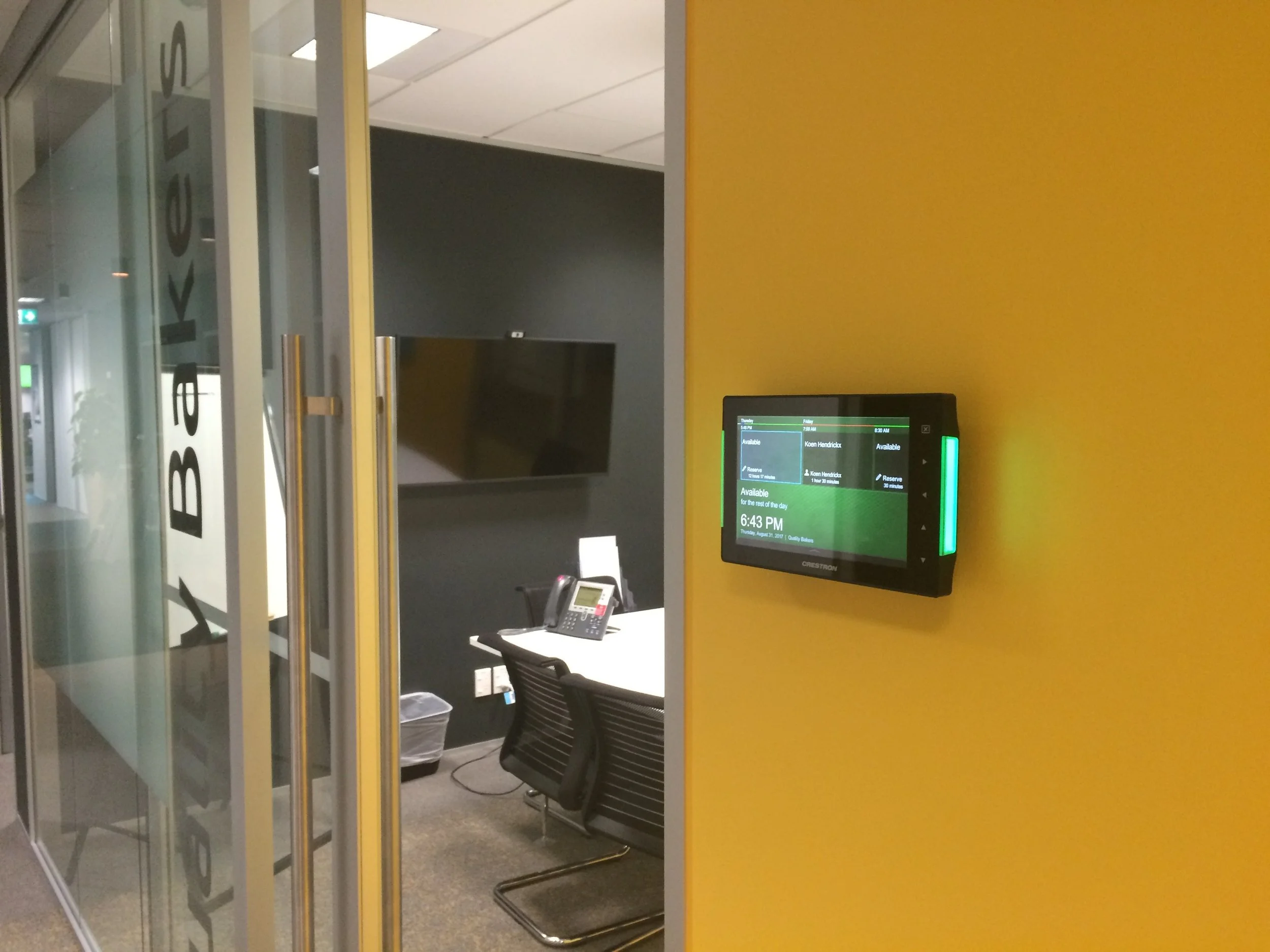
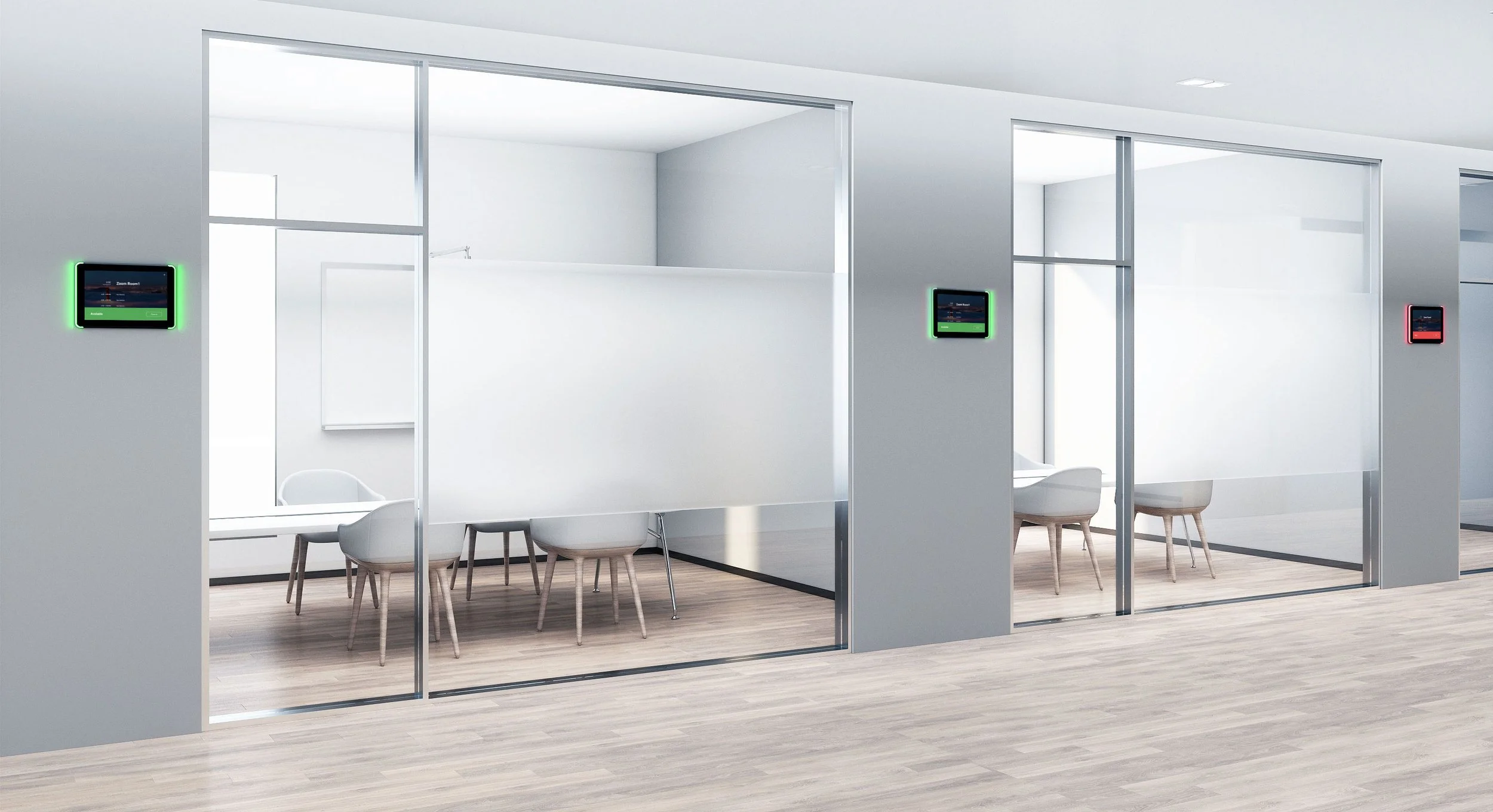
Room booking panels outside each room show availability and upcoming meetings
Calendar integration (commonly Microsoft 365 / Exchange and Google Workspace)
On-panel booking for quick reservations
Check-in workflows to reduce no-shows (optional)
Clear room status indicators (Available / In Use / Reserved)
Optional reporting and utilisation readiness, depending on the platform
The goal is simple: less confusion, fewer conflicts, and better use of your rooms.
What we deliver
Every workplace has different needs, from a few meeting rooms to large multi-floor environments. Our room scheduling systems can include:
Booking panels in each room
Clear availability at a glance
Upcoming meeting list and meeting details (policy dependent)
Quick booking options for ad hoc meetings
Visual indicators that show the room status immediately
Calendar and workplace integration
Integration with your organisation’s calendar platform
Consistent room naming and resource setup
Correct permissions and booking rules aligned with your policies
Support for recurring meetings and shared spaces
Check-in and release features (optional)
Meeting check-in prompts to confirm attendance
Automatic release of rooms if nobody checks in
Reduced “ghost bookings” and improved availability for staff
Standardised experience across all rooms
Consistent panel UI and booking behaviour
Clean installation and cable management
Alignment with meeting room AV systems, where appropriate
Why room scheduling matters
Reduce double bookings and interruptions
People can see availability instantly and avoid walking into occupied rooms.
Cut down on wasted space
No-show meetings and “held rooms” reduce productivity. Scheduling helps bring rooms back into circulation.
Improve staff experience
Booking becomes quick and predictable, especially for visitors, hybrid teams, and fast-moving organisations.
Support workplace growth
As offices grow and teams change, a structured room scheduling approach makes scaling easier.
Our process
Discovery
Number of rooms, calendar platform, booking policies, and user requirements.
Design and standardisation
Panel placement, room naming conventions, booking rules, and integration approach.
Installation
Clean fit-off, tidy cabling, and consistent hardware across rooms.
Configuration and testing
Calendar sync, booking workflow validation, check-in logic where enabled.
Handover and support
Staff guidance, admin documentation, and ongoing support options.
Where room scheduling pairs well with other systems
Room scheduling becomes even more effective when combined with:
Boardroom and meeting room AV systems (one-touch start, consistent room experience)
Digital signage (wayfinding and room availability summaries)
Occupancy sensors (advanced utilisation insights where applicable)
FAQ
Does room scheduling work with Microsoft 365 or Google Workspace?
Yes. Most room scheduling platforms integrate with Microsoft 365/Exchange and Google Workspace. We align the setup with your chosen environment and policies.
Can people book rooms directly from the panel at the door?
Yes. Most systems allow instant reservations for free rooms, plus viewing upcoming meetings.
How do check-in and auto-release features work?
If enabled, the panel prompts users to check in at the start of a meeting. If no one checks in, the system can automatically release the room so others can book it.
Will the panel show meeting names or organiser details?
That depends on your privacy policy and platform settings. We can configure what is displayed to match your organisation’s requirements.
Do we need panels in every room?
Not always, but door panels provide the best user experience and the most immediate availability visibility. We can recommend the right approach based on room count and layout.
Can this integrate with our meeting room AV system?
Often, yes. While scheduling is primarily calendar-based, we can coordinate your scheduling and AV experience so rooms feel consistent and easy to use.
Do you provide ongoing support?
Yes. We can provide ongoing support for updates, configuration changes, new room additions, and troubleshooting.